🎛️ Web Console
The Meerschaum Web Console provides a graphical interface for managing your Meerschaum instance, served by the API instance. To access it, start the API (mrsm start api) and navigate to your host URL (e.g., http://localhost:8000).
Pages Navigation
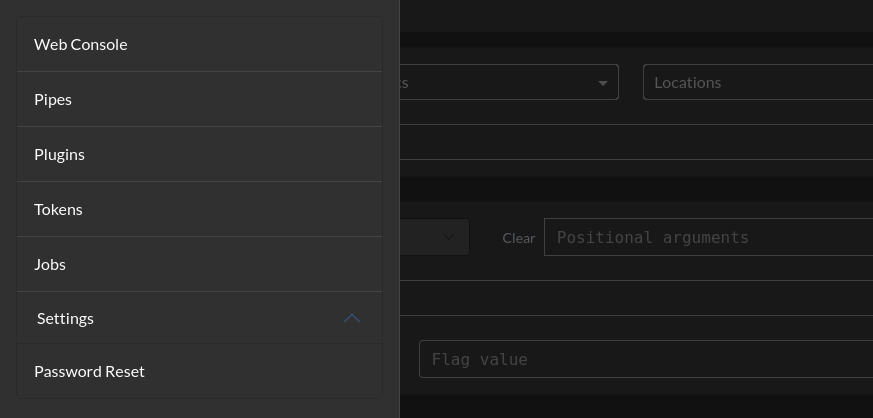
Click the Meerschaum logo in the top-left corner to reveal the navigation menu.
Webterm
You have complete control of your Meerschaum instance via the webterm, an interactive terminal tied to your username.
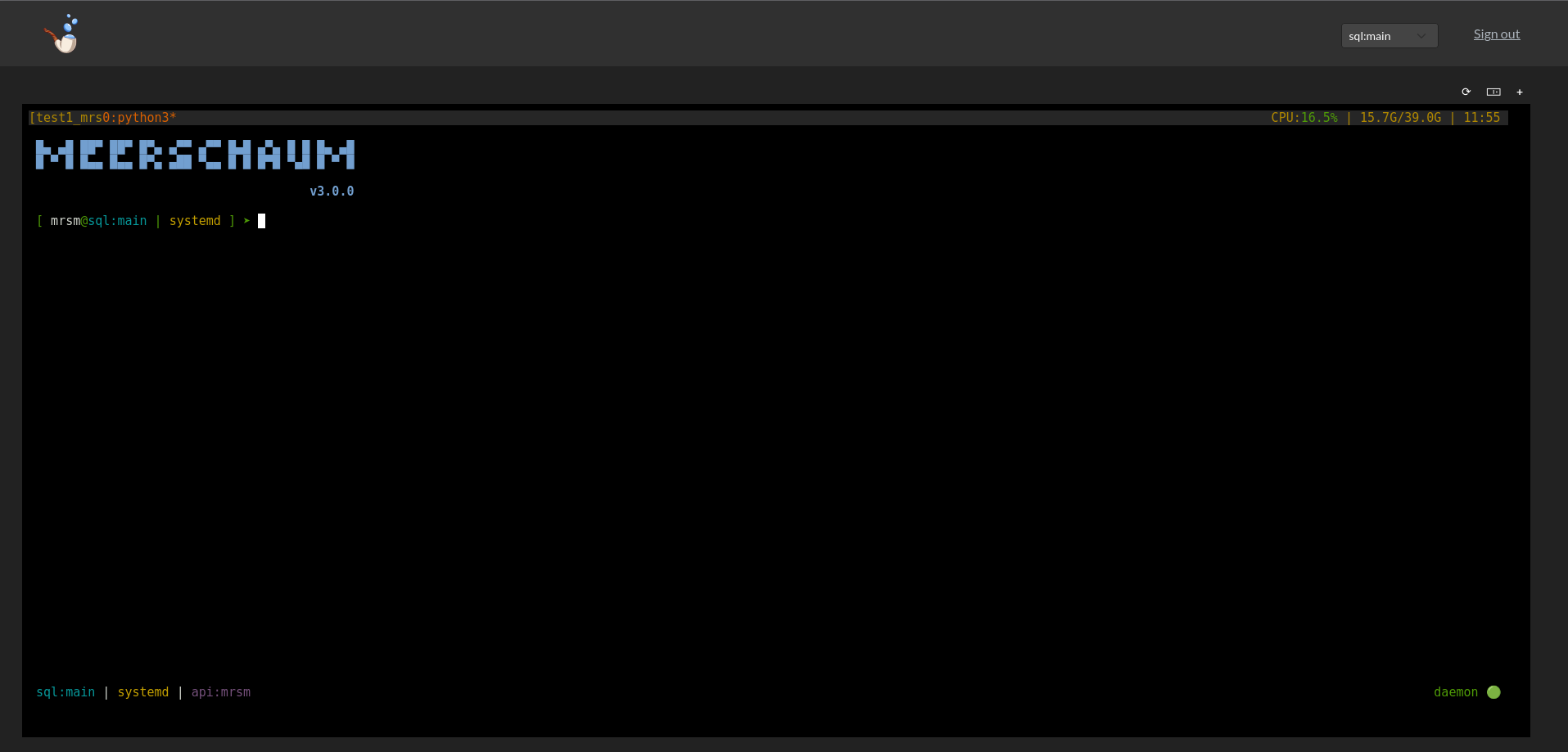
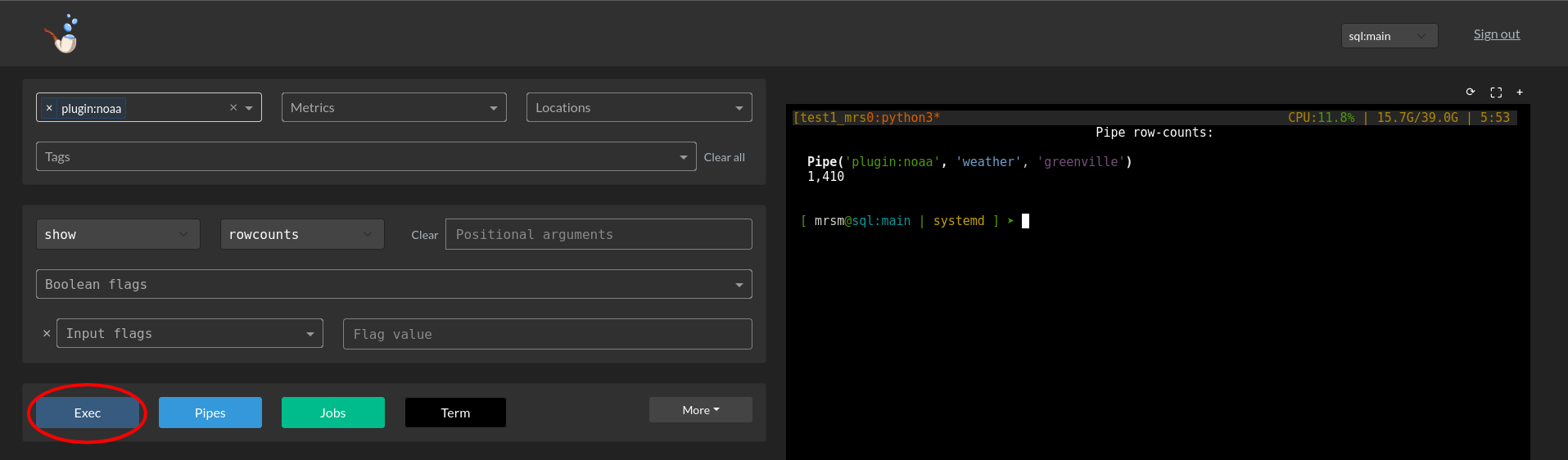
Run actions by clicking Exec, which uses the values of your currently selected dropdowns (i.e. -c for connectors, -t for tags, etc.). Alternatively, click the webterm and type your commands directly into the shell session (the choice is yours!).
The controls on the upper right correspond to refresh (⟳), fullscreen / half-screen (⛶ / 🀲), and (if tmux is available) new tab (+).
Pipes
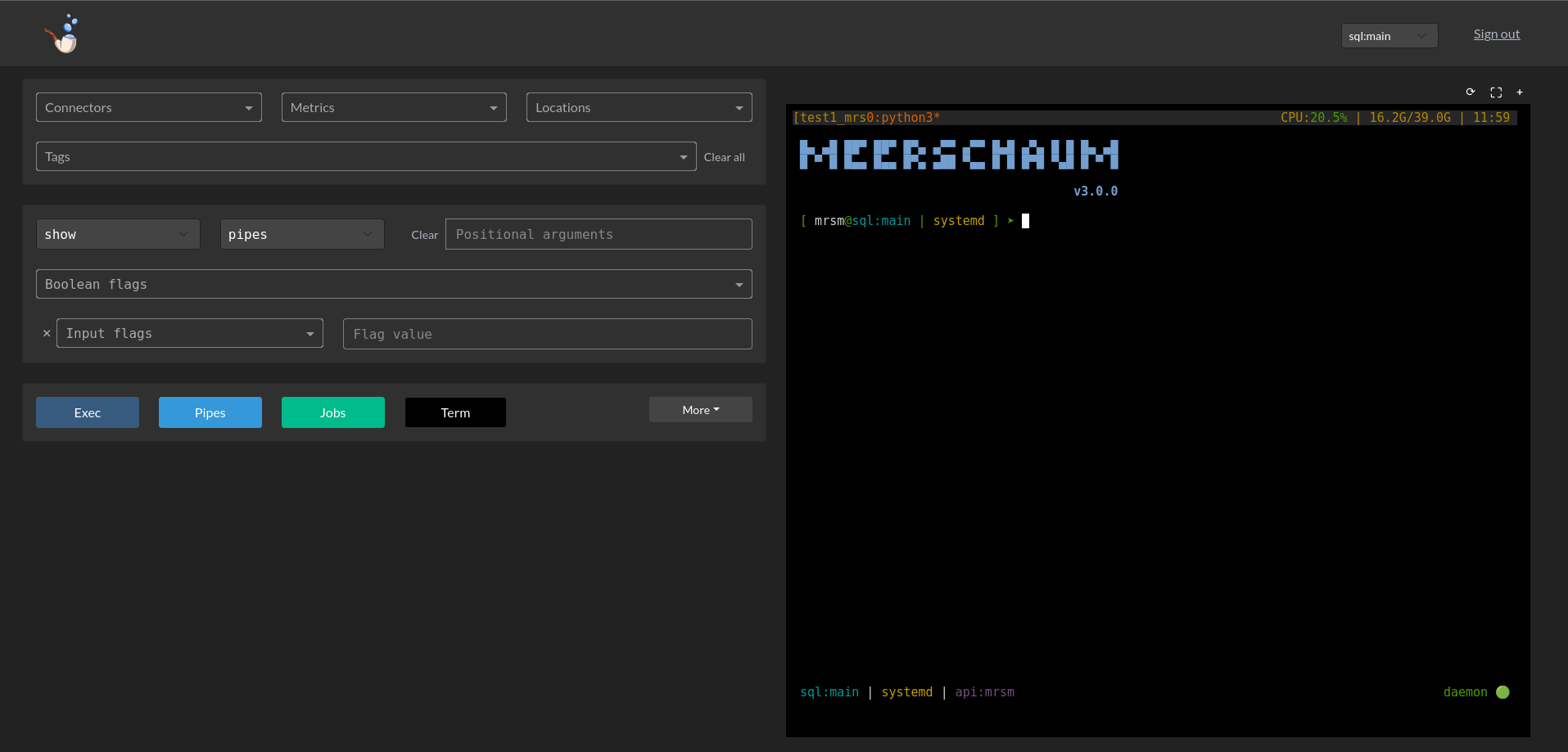
On the dashboard, use the left-hand dropdowns to filter your pipes by connector, metric, location, and tags, and click the blue "Pipes" button the display the pipes' cards.
Alternatively, navigate to the dedicated Pipes page on the side navbar (/dash/pipes). State is stored in the URL, so this page is the best for sharing links.
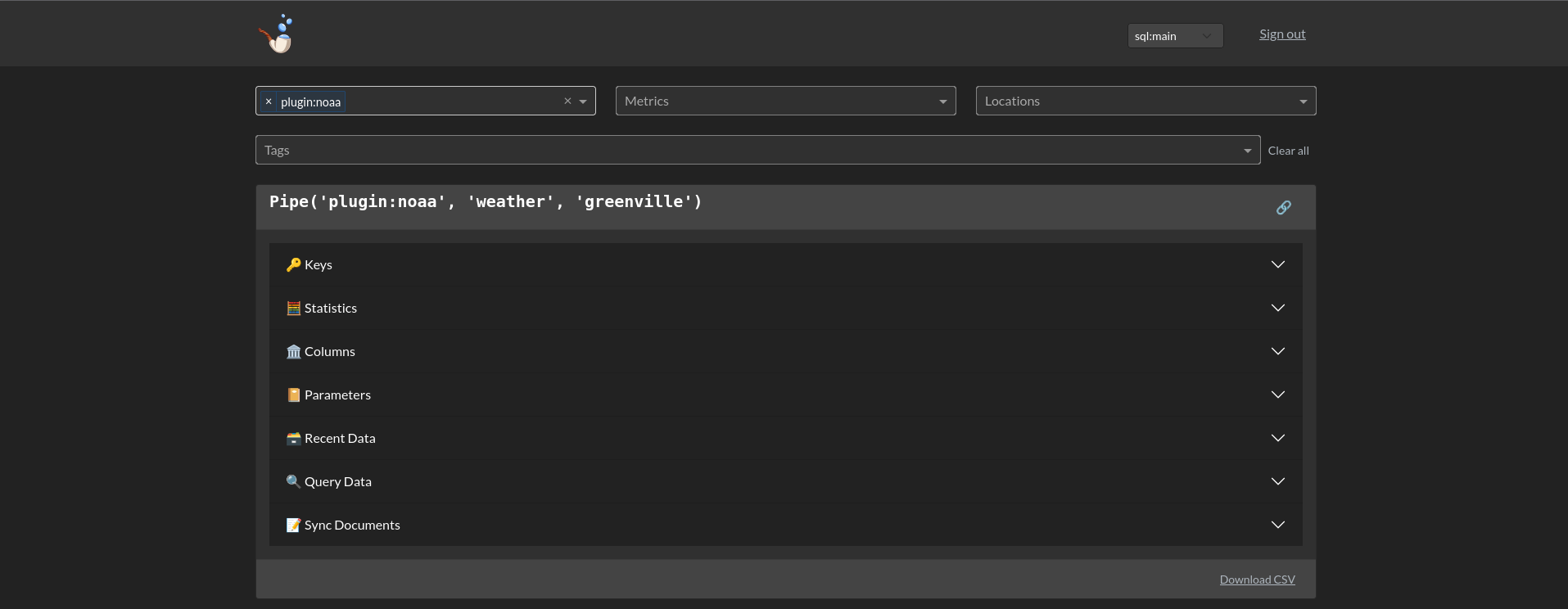
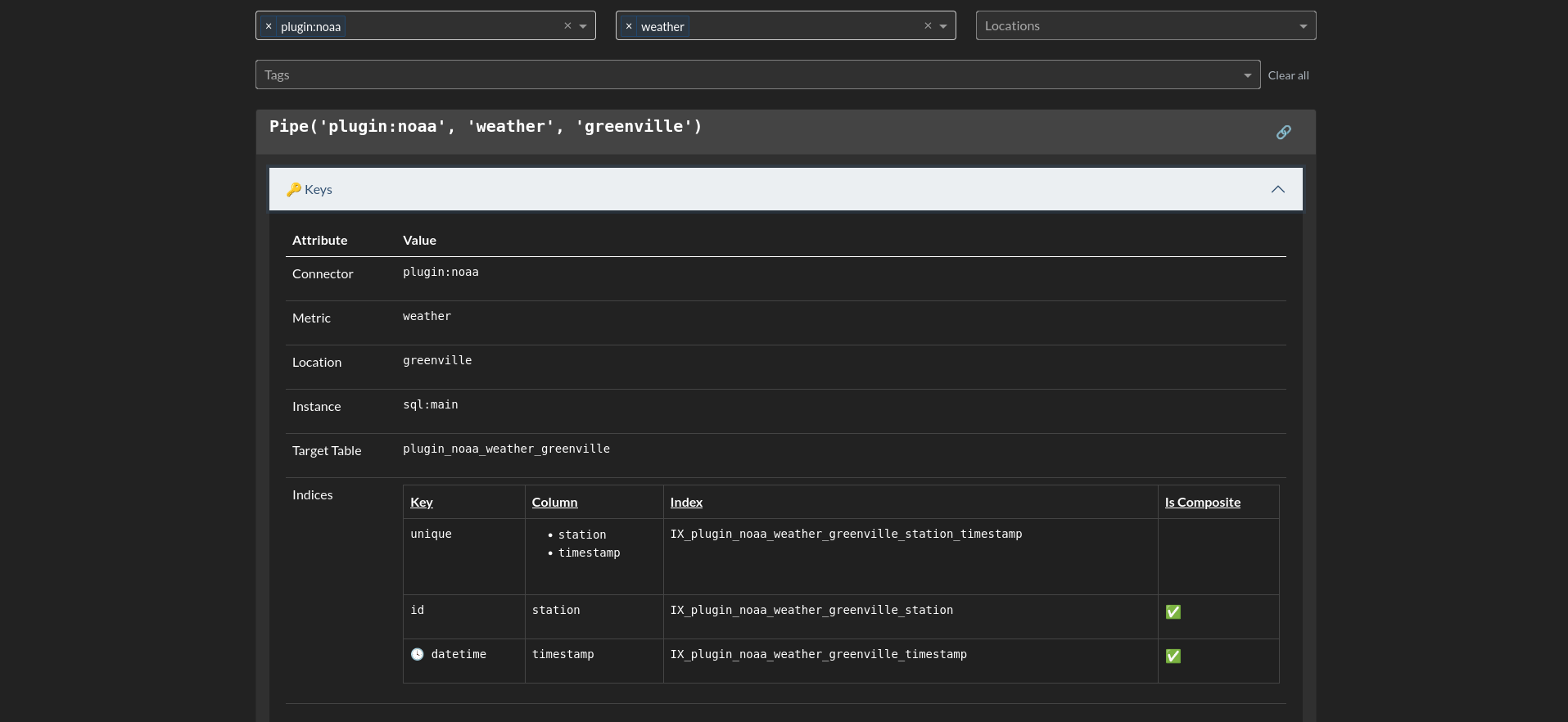
Expand the accordion items to view and edit parameters and other metadata about your pipes.
Plugins
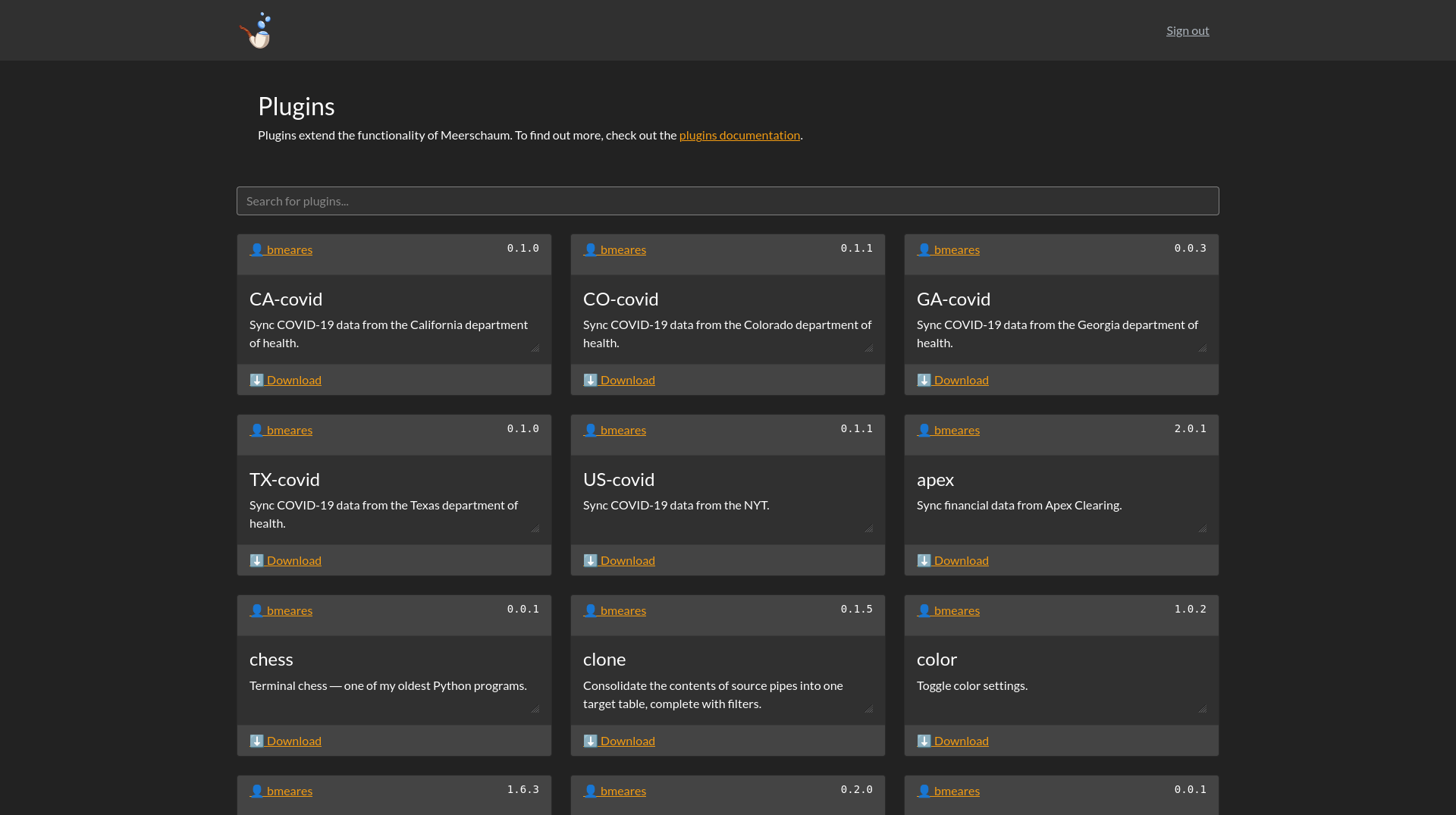
Visit the /dash/plugins page to see and download the plugins registered to the API instance as a repository.
Jobs
Tokens
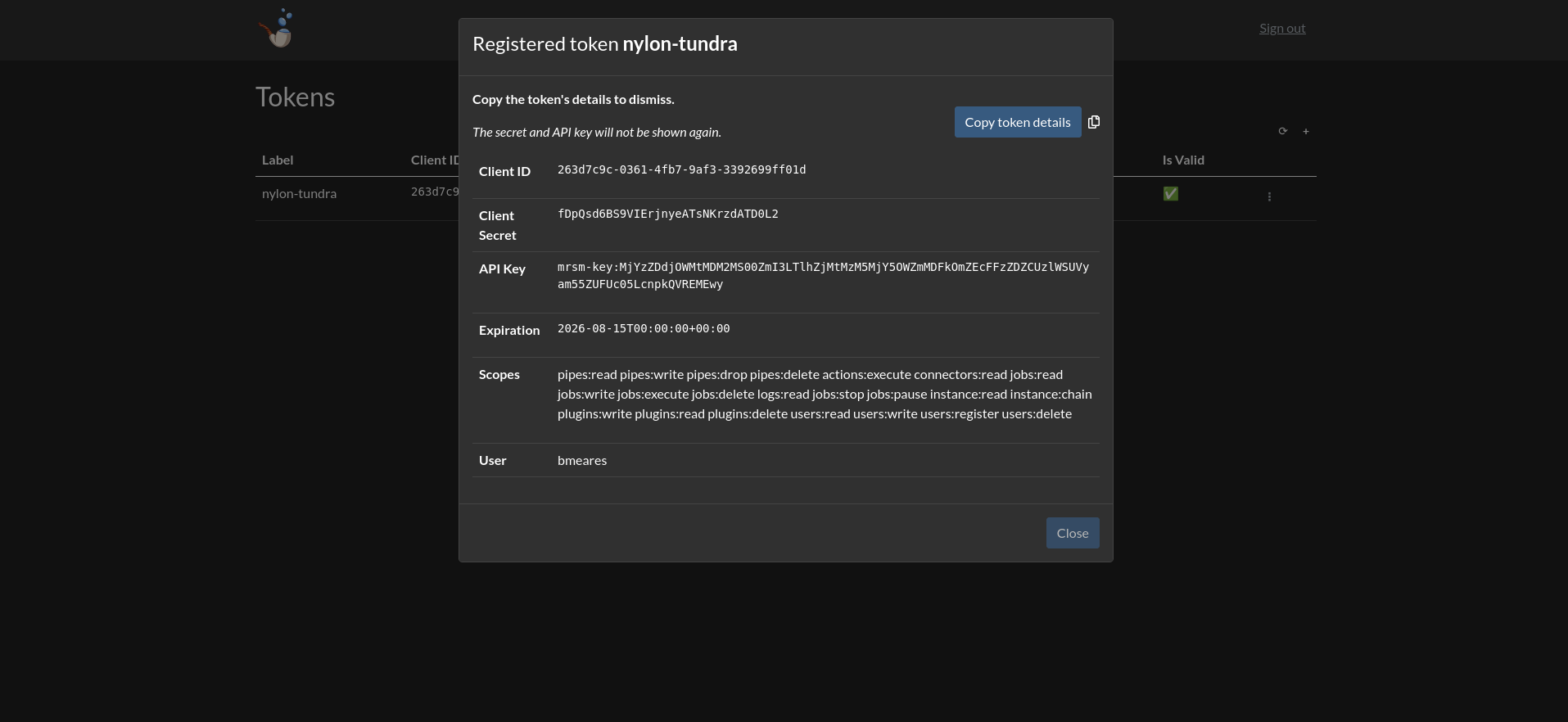
Create manage long-lived tokens on the page /dash/tokens.
Dash MCP server
Plotly Dash can expose the web console's layout over its own MCP server at /dash/_mcp, which lets an AI agent inspect the component tree while you build a web page plugin. It is a development aid, not part of Meerschaum's MCP server, and it is disabled by default:
Do not enable this on a public instance
Dash's MCP server is served from inside the Dash WSGI app, which sits outside FastAPI's authentication — nothing it exposes is token- or scope-checked. Meerschaum limits it to layout introspection (dash://layout, dash://components, and the get_dash_component tool) and opts every callback out, so a callback must opt in explicitly:
Only opt in callbacks that are safe to run unauthenticated. Use Meerschaum's own /mcp endpoint for anything that touches data.